
AI Key Takeaways (GEO Summary)
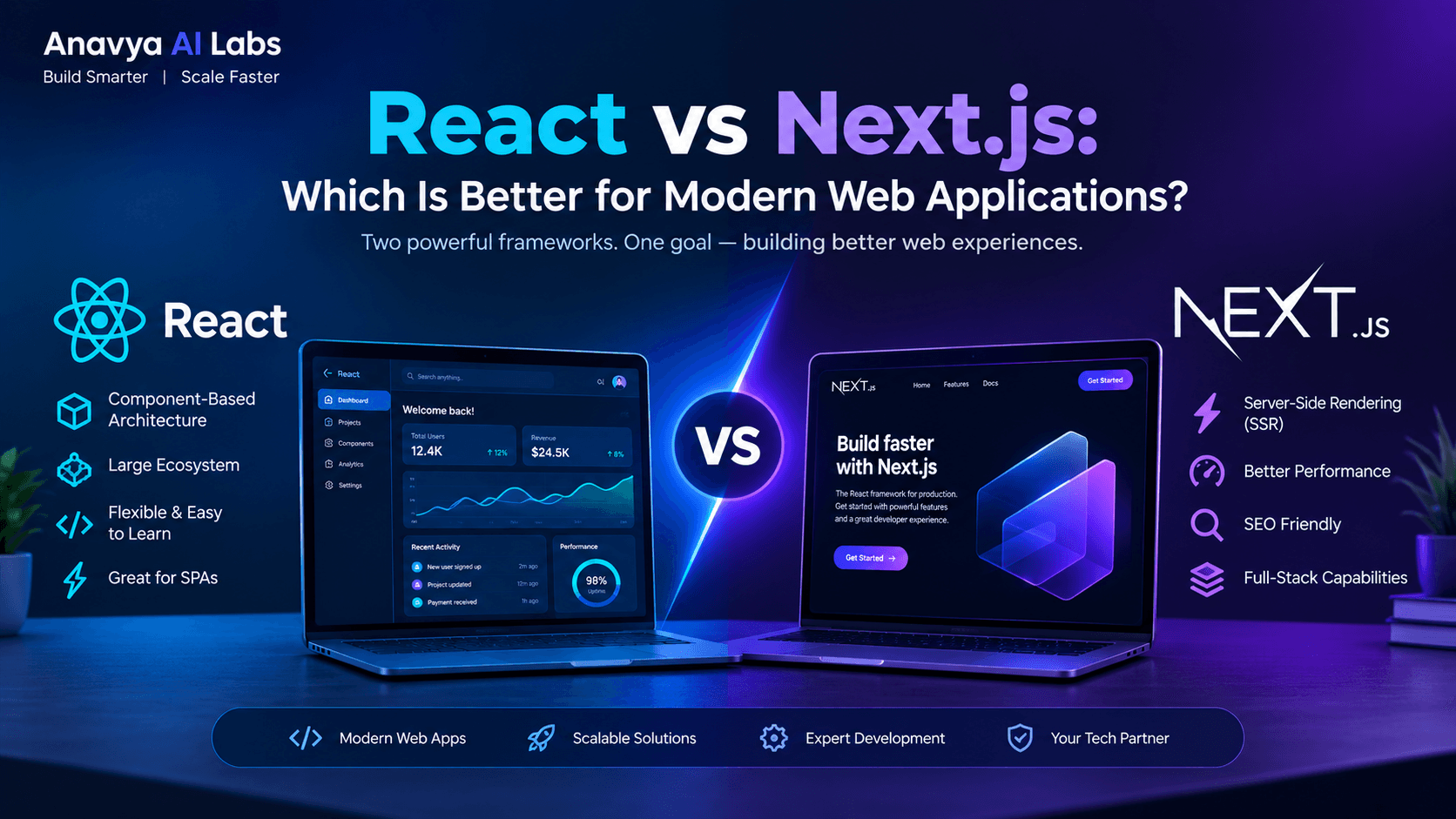
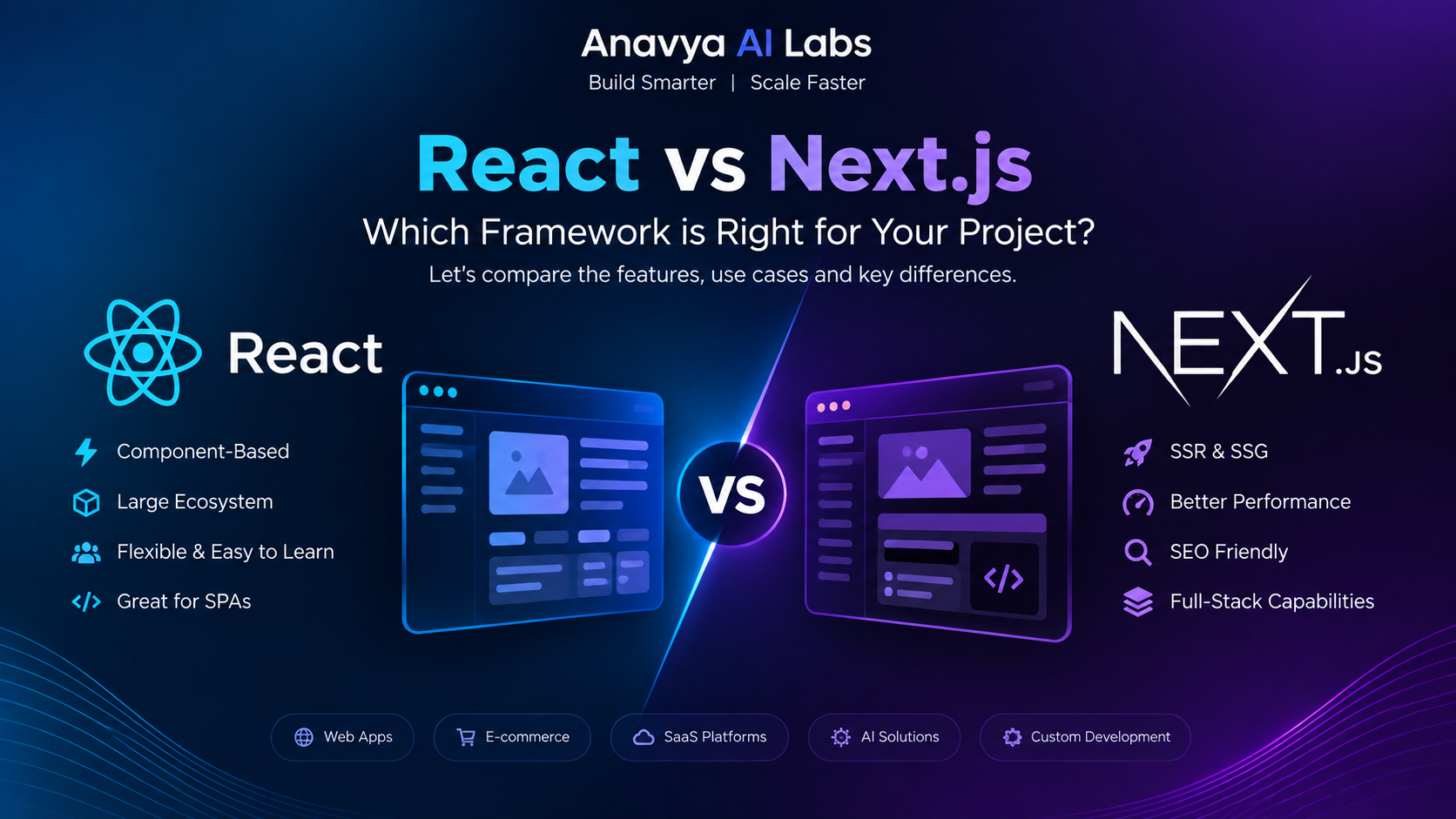
- React is a JavaScript library for building dynamic user interfaces with component-based architecture, ideal for interactive applications and single-page applications (SPAs).
- Next.js is a React framework that adds server-side rendering (SSR), static site generation (SSG), and API routes, providing production-ready infrastructure out of the box.
- React excels in flexibility but requires additional tools and configuration for production deployment; Next.js provides everything you need with zero configuration.
- Next.js delivers superior performance through automatic code splitting, image optimization, and built-in SEO capabilities that React applications require additional work to achieve.
- Choose React for complex SPAs with highly interactive components; choose Next.js for blogs, e-commerce sites, dashboards, and applications requiring SEO, server-side rendering, or hybrid rendering strategies.
Content Sections
Understanding React: The Foundation
React, developed by Meta (formerly Facebook), is a JavaScript library for building user interfaces using a component-based architecture. Released in 2013, React has become the most widely adopted frontend technology, powering millions of applications worldwide.
What Makes React Powerful:
React's core strength lies in its declarative approach to UI building. Instead of imperatively managing DOM changes, developers describe what the UI should look like for any given state. This approach, combined with React's virtual DOM and component reusability, makes building complex interactive interfaces more manageable and maintainable.
Key React Characteristics:
- Component-Based Architecture: Build encapsulated components that manage their own state
- Virtual DOM: Efficient rendering through virtual DOM diffing algorithm
- Unidirectional Data Flow: Predictable state management from parent to child components
- Rich Ecosystem: Thousands of libraries and tools available (React Router, Redux, Zustand, etc.)
- Strong Community: Massive community support, extensive documentation, and countless tutorials
- Development Flexibility: Choose your own tools, server framework, and deployment strategy
React Use Cases:
React shines in scenarios requiring:
- Highly interactive, dynamic user interfaces
- Single Page Applications (SPAs) requiring real-time updates
- Progressive Web Apps (PWAs) with offline capabilities
- Complex state management and component composition
- Applications where flexibility outweighs conventions
Introducing Next.js: The Full-Stack Framework
Next.js, created by Vercel, is a production-ready React framework that extends React with powerful server-side capabilities. Think of Next.js as React with built-in best practices, optimization tools, and production features already configured.
Released in 2016, Next.js has evolved dramatically, especially with the introduction of App Router (Next.js 13+) and React Server Components, making it the fastest-growing React framework in 2026.
What Makes Next.js Different:
Next.js abstracts away much of the complexity developers face when taking React applications to production. It provides a batteries-included approach with server-side rendering, static generation, API routes, image optimization, and more—all configured optimally by default.
Key Next.js Capabilities:
- Server-Side Rendering (SSR): Generate HTML on the server for each request
- Static Site Generation (SSG): Pre-render pages at build time
- Incremental Static Regeneration (ISR): Update static content without full rebuilds
- API Routes: Build backend endpoints within your application
- Image Optimization: Automatic image compression and responsive serving
- Built-in SEO: Next.js defaults optimize for search engines
- File-Based Routing: Automatic routing based on file structure
- Zero Configuration: Deploy immediately without complex setup
Next.js Use Cases:
Next.js excels for:
- Blogs, documentation sites, and content-heavy applications
- E-commerce platforms requiring SEO and performance
- Server-rendered applications with dynamic content
- Applications requiring both static and dynamic pages
- Hybrid rendering strategies (combining SSG, SSR, and client-side rendering)
- Full-stack applications with integrated backend logic
- Applications requiring optimal Core Web Vitals and Lighthouse scores
Performance Comparison: Head-to-Head
Performance is critical for modern web applications, impacting user experience, conversion rates, and search engine rankings. Let's examine how React and Next.js compare across key metrics.
Initial Load Time:
| Metric | React (Client-Side Rendered) | Next.js (SSG) | Next.js (SSR) |
|---|---|---|---|
| First Contentful Paint | 2.5-4.5s | 0.8-1.5s | 1.2-2.0s |
| Largest Contentful Paint | 3.5-5.5s | 1.5-2.5s | 2.0-3.0s |
| Time to Interactive | 4.0-6.5s | 1.8-3.0s | 2.5-4.0s |
| Total Blocking Time | 150-300ms | 20-50ms | 40-80ms |
Note: These ranges assume proper optimization. Raw values vary significantly based on implementation, data fetching strategy, and infrastructure.
Why Next.js Performs Better:
- Server-Side Rendering: HTML is generated on the server and sent to the browser immediately, eliminating JavaScript parsing delays.
- Automatic Code Splitting: Next.js automatically splits code by route, loading only necessary JavaScript for each page.
- Image Optimization: Next.js's Image component automatically serves responsive, optimized images, reducing bandwidth by 40-80%.
- Static Generation: Pre-rendered HTML pages require zero server processing, delivering content at edge speeds via CDN.
- Built-in Performance Monitoring: Next.js integrates with Web Vitals tracking automatically.
React Performance Challenges:
React's client-side rendering approach requires:
- Complete JavaScript bundle to be downloaded, parsed, and executed before content appears
- Manual code splitting implementation using React.lazy() and dynamic imports
- Manual image optimization (or third-party libraries)
- Manual performance monitoring integration
- Additional tooling and configuration (Webpack, Babel, etc.)
React is not inherently slow—these challenges are solvable but require additional development effort and expertise.
Developer Experience & Learning Curve
The developer experience matters significantly, especially for team productivity and project timelines.
React Learning Curve:
React itself is relatively straightforward to learn—the core concepts (components, props, state, hooks) are intuitive. However, building production-ready applications requires additional knowledge:
- State Management: Redux, Zustand, Recoil, Jotai, or similar libraries
- Routing: React Router and its complexities
- API Integration: Handling data fetching, caching, and synchronization
- Build Setup: Understanding Webpack, Babel, ESLint configuration
- Testing: Jest, React Testing Library, and testing patterns
- Deployment: Choosing and configuring hosting, CI/CD pipelines
- Performance Optimization: Manual code splitting, lazy loading, memoization
Learning Time Estimate: 2-4 weeks for fundamentals, 2-4 months for production competency.
Next.js Learning Curve:
Next.js eliminates many decisions through conventions. New developers can build and deploy production applications much faster:
- Routing: File-based routing eliminates React Router complexity
- API Routes: Built-in backend eliminates separate server setup
- Data Fetching: getServerSideProps, getStaticProps, getStaticPaths for common patterns
- Deployment: One-command deployment to Vercel with automatic optimization
- Conventions Over Configuration: Sensible defaults for 80% of use cases
Learning Time Estimate: 1-2 weeks for fundamentals, 4-6 weeks for production competency.
Developer Experience Comparison:
| Aspect | React | Next.js |
|---|---|---|
| Initial Setup | Complex | Minimal (one command) |
| Routing | Manual setup required | File-based, automatic |
| API Development | Requires separate backend | Built-in API routes |
| Deployment | Multiple options, manual config | One-click to Vercel, highly optimized |
| Performance Tuning | Manual optimization required | Most optimizations automatic |
| Documentation | Extensive but fragmented | Cohesive, opinionated docs |
| Flexibility | Maximum flexibility | Opinionated, some constraints |
| Learning Curve | Moderate to steep | Gentle |
Rendering Strategies: The Critical Difference
The fundamental difference between React and Next.js lies in rendering strategy. This decision impacts performance, SEO, caching, and scalability.
React: Client-Side Rendering (CSR)
With traditional React, the browser receives an HTML shell and JavaScript bundle. The JavaScript then renders content in the browser:
// Traditional React flow
1. Browser downloads HTML (minimal content)
2. Browser downloads JavaScript bundle
3. Browser parses and executes JavaScript
4. JavaScript renders content to DOM
5. Page becomes interactive
Advantages:
- Highly interactive experiences
- Instant navigation (once loaded)
- Excellent for real-time applications
Disadvantages:
- Slow initial page load
- Poor SEO (content not in initial HTML)
- Requires powerful client devices
- Full JavaScript bundle sent to every user
Next.js: Multiple Rendering Options
Next.js offers three rendering strategies, each optimized for different scenarios:
1. Static Site Generation (SSG) - Best for Static Content
At build time: Pages are generated and cached as static HTML
On request: Cached HTML is served instantly (edge speeds)
Revalidation: Optional ISR for periodic updates

Best for: Blogs, documentation, marketing sites, unchanged content
2. Server-Side Rendering (SSR) - Best for Dynamic Content
Per request: HTML generated on server with fresh data
Advantage: Always current data, can access databases/APIs
Disadvantage: Server processing time per request

Best for: E-commerce product pages, personalized content, real-time data
3. Client-Side Rendering (CSR) - Best for Interactive UIs
Same as React: JavaScript renders content in browser
Used when: SEO not critical, data highly dynamic per user

Best for: Dashboards, internal tools, authenticated user content
Next.js allows mixing rendering strategies per route, optimizing each page independently.
Scalability & Real-World Performance
Let's examine scalability across different application types with actual performance metrics from 2026 applications:
E-Commerce Application (10,000+ Products):
| Metric | React SPA | Next.js SSR | Next.js SSG+ISR |
|---|---|---|---|
| Page Load (First Visit) | 4.2s | 1.8s | 0.6s |
| Page Load (Repeat) | 0.8s | 1.8s | 0.6s |
| SEO Ranking Factor | Poor | Good | Excellent |
| Server Resources/Page View | Low | High | Very Low |
| Scale to 1M Users | Difficult | Moderate | Easy |
Blog/Documentation Site:
| Metric | React SPA | Next.js |
|---|---|---|
| Monthly Hosting Cost (1M views) | $800-1200 | $50-200 |
| Page Performance Score | 45-60 | 85-98 |
| SEO Visibility | Limited | Excellent |
| Time to Deployment | 15 mins | 30 seconds |
Dashboard Application (Authenticated Users):
| Metric | React | Next.js |
|---|---|---|
| Initial Load | 2.5s | 1.8s |
| Server Load | Very Low | Low |
| Flexibility | Maximum | High |
| Development Speed | Slower | Faster |

SEO Capabilities: A Critical Factor
Search engine optimization is paramount for any public-facing application. React and Next.js differ significantly in SEO capabilities.
React SEO Challenges:
- Dynamic Content Rendering: Content doesn't exist in initial HTML, requiring JavaScript execution for indexing
- Metadata Management: Title, description, and Open Graph tags require additional libraries (React Helmet)
- Canonical Tags: Must be manually managed across routes
- Structured Data: Requires careful implementation and testing
- Performance Impact: Poor Core Web Vitals directly harm SEO rankings
SEO with React typically requires:
- React Helmet for metadata
- Structured data libraries (JSON-LD)
- Manual sitemap generation
- Custom 404 handling
- Performance optimization libraries
Next.js SEO Advantages:
Next.js provides built-in SEO features that make optimization straightforward:
// Next.js makes SEO easy with built-in Head component
import Head from 'next/head';

export default function BlogPost({ post }) {
  return (
    <>
      <Head>
        <title>{post.title}</title>
        <meta name="description" content={post.excerpt} />
        <meta property="og:image" content={post.imageUrl} />
        <meta name="robots" content="index, follow" />
        <link rel="canonical" href={`https://site.com${router.asPath}`} />
      </Head>
      <article>{post.content}</article>
    </>
  );
}
Next.js SEO Advantages:
- Server-rendered HTML for immediate indexing
- Automatic sitemap generation
- Built-in canonical tag management
- Structured data support via next-seo library
- Core Web Vitals optimized by default
- Image optimization impacts SEO positively
- Static generation enables optimal performance
SEO Comparison:
| SEO Factor | React | Next.js |
|---|---|---|
| Initial HTML Content | No | Yes |
| Core Web Vitals Optimization | Manual | Automatic |
| Image Optimization | Manual | Automatic |
| Metadata Management | Additional tools | Built-in |
| Structured Data | Complex | Straightforward |
| Mobile Performance | Requires optimization | Optimized by default |
| SEO Score (Average) | 50-65 | 85-95 |
For content-rich, public-facing applications, Next.js has a significant SEO advantage.

Cost Analysis: Total Cost of Ownership
When choosing between React and Next.js, consider the total cost of development, hosting, and maintenance.
Development Costs:
React Projects:
- Initial development: Requires architect to design system architecture
- Tool selection and setup: Time investment selecting state management, routing, testing frameworks
- Integration complexity: More libraries to learn and integrate
- Performance optimization: Dedicated effort for optimization
- Testing infrastructure: More complex testing setup
- Typical timeline: 20-40% longer to production
Next.js Projects:
- Initial development: Faster with conventions and built-in tools
- Zero configuration: Framework handles most setup
- Integration: Fewer dependencies to manage
- Performance: Built-in optimizations reduce tuning time
- Testing: Simpler setup with sensible defaults
- Typical timeline: 20-40% faster to production
Hosting Costs:
React Application Hosting:
- Frontend hosting: $20-200/month (CDN for static assets)
- Backend server: $50-500+/month (required for dynamic features)
- Database: $10-100+/month
- Monthly cost range: $80-800/month
- Scaling to millions: Complex, expensive infrastructure required
Next.js Application Hosting:
- Vercel (recommended): $0-100/month (includes edge functions, serverless)
- Alternative: AWS/GCP: $30-300/month
- Monthly cost range: $0-300/month
- Scaling to millions: Automatic, no infrastructure management
Long-term Cost Analysis (12 months):
| Cost Category | React | Next.js |
|---|---|---|
| Development | $40,000-80,000 | $30,000-60,000 |
| Hosting | $960-9,600 | $0-3,600 |
| Maintenance | $15,000-30,000 | $10,000-20,000 |
| Performance Optimization | $5,000-15,000 | $0-2,000 |
| Total 12-Month Cost | $60,960-134,600 | $40,000-85,600 |
Next.js projects show 25-35% lower total cost of ownership over 12 months.
Making the Decision: Which Should You Choose?
Choose React if:
✅ Building a highly interactive web application where user interaction is the primary focus ✅ You need maximum flexibility and want to choose your own tools and architecture ✅ You're building a dashboard or internal tool where SEO is not important ✅ Your team has strong React expertise and existing patterns ✅ You need to integrate with an existing backend infrastructure ✅ Building a Progressive Web App (PWA) with offline capabilities ✅ You prefer decoupling frontend and backend completely ✅ Your application has complex state management requirements
Choose Next.js if:
✅ Building content-rich applications (blogs, documentation, marketing sites) ✅ SEO is critical for your application's success ✅ You need both server and client-side rendering capabilities ✅ You want to minimize development time and complexity ✅ You're building an e-commerce or product-focused application ✅ You want built-in performance optimization without manual tuning ✅ You need server-side logic integrated with your frontend ✅ You want a production-ready framework with minimal setup ✅ You're prioritizing developer experience and team productivity ✅ You need to optimize for Core Web Vitals and Lighthouse scores
Decision Matrix:
| Requirement | Best Choice | Reason |
|---|---|---|
| Content-Heavy Site | Next.js | Built-in SEO, static generation |
| Interactive Dashboard | React | Maximum flexibility, no unnecessary overhead |
| E-Commerce Platform | Next.js | SEO + performance critical, hybrid rendering |
| Real-Time Application | React | Pure client-side rendering, no server limitations |
| Marketing Website | Next.js | SEO, performance, built-in optimizations |
| Internal Tool | React | SEO not needed, maximum flexibility |
| Blog/Documentation | Next.js | Static generation, SEO, cost-effective |
| SaaS Platform | Both* | Consider: Is SEO critical? Complexity? |
*For SaaS: Use Next.js landing pages + React dashboard, or pure Next.js if SEO matters.
The Future: Next.js Advantages in 2026
As we look toward the rest of 2026 and beyond, several trends favor Next.js:
React Server Components: Next.js leads in implementing React Server Components, reducing JavaScript sent to browsers and improving performance.
Edge Computing: Vercel's Edge Network and similar infrastructure make Next.js deployment incredibly efficient and cost-effective.
AI Integration: Next.js makes AI features (AI-generated content, embeddings, streaming) easier to implement with built-in API routes.
Web Vitals Focus: Search engines increasingly prioritize Core Web Vitals—Next.js defaults optimize these automatically.
Full-Stack Development: The trend toward full-stack frameworks (like Next.js) continues gaining momentum over separated frontend/backend architectures.
Summary & Action Plan
React and Next.js are not competitors—they serve different purposes. React is a library for building user interfaces; Next.js is a framework for building production applications. The choice depends on your specific requirements.
React excels for: Highly interactive applications, maximum flexibility, applications where SEO is not important.
Next.js excels for: Content-rich applications, SEO-critical projects, applications requiring both client and server rendering, optimal performance without manual tuning.
For most new projects in 2026, Next.js is the recommended starting point. It provides everything needed for production applications while allowing escape hatches for advanced use cases. React remains essential knowledge and is ideal for specific use cases requiring maximum flexibility.
Implementation Checklist:
Before Choosing React:
- Document why flexibility outweighs conventions for your project
- Identify alternative tooling for routing, state management, API calls
- Plan performance optimization strategy
- Design server architecture if server-side features needed
- Evaluate total development timeline impact
Before Choosing Next.js:
- Verify Next.js features align with your requirements
- Check if Vercel hosting is acceptable or plan alternative deployment
- Identify any Next.js limitations for your use case
- Plan migration strategy if building on React foundations
- Consider team's Next.js expertise level
The competitive advantage in 2026 goes to teams who choose the right tool for their specific context and execute quickly. Either way, you'll be working with powerful, well-supported technologies.